 PipDraw
AR drawing for kids · Android
Trace any picture. Learn to draw.
PipDraw puts a picture on top of your paper through the camera, so kids can trace it with a real pencil, one step at a time. Then they colour it in.
Coming soon to Google Play
- No adsNothing to tap by accident
- No accountOpen it and start drawing
- Nothing uploadedDrawings stay on the device
- Grown-up checkBefore any link that leaves the app
Watch
PipDraw in 30 seconds
Trace a picture onto paper, learn to draw step by step, practise letters and colour it in.
AR tracing
See the picture on your paper
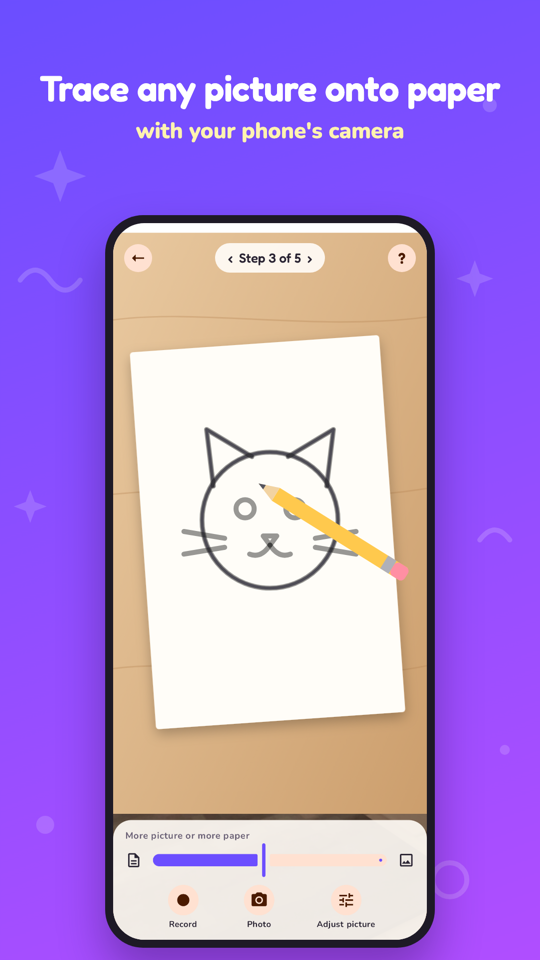
Rest the phone on a glass above a sheet of paper. The camera shows the paper with the picture on top, see-through, and you trace what you see. No stand? Lay thin paper on a tablet and trace the lines shining through.
Step by step
Learn to draw, one part at a time
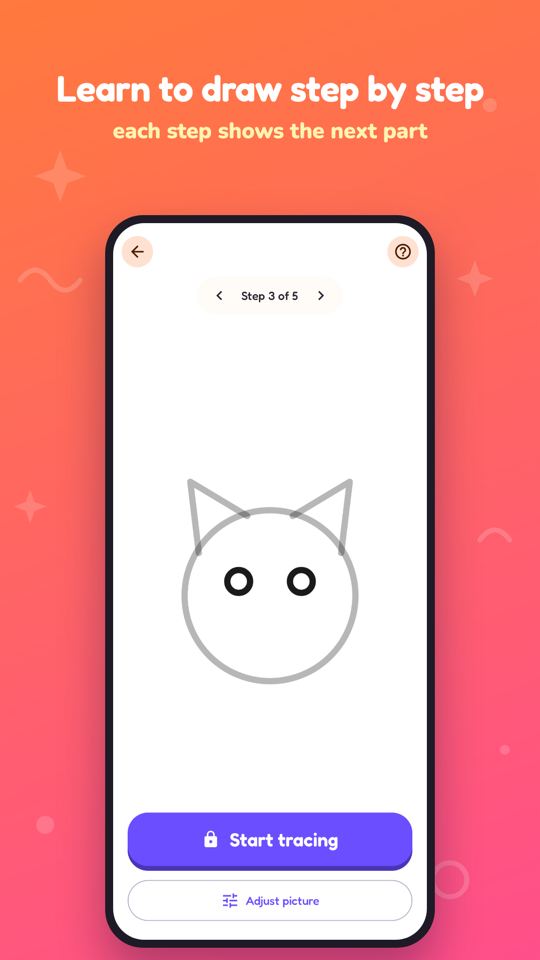
Lessons show one part of the drawing at a time, with the parts you've done faded out. Animals, nature, vehicles, food, easy shapes and anime, plus a new drawing challenge every day.
Letters and numbers
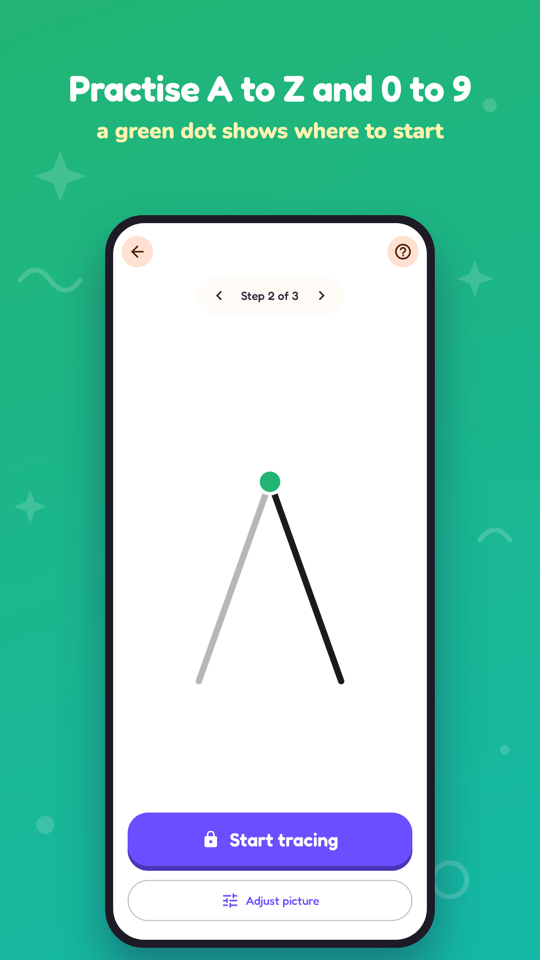
Practise A to Z and 0 to 9
Every letter and number is drawn stroke by stroke in handwriting order, and a green dot shows where each stroke starts. Then colour it in as a big bubble letter.
Colouring
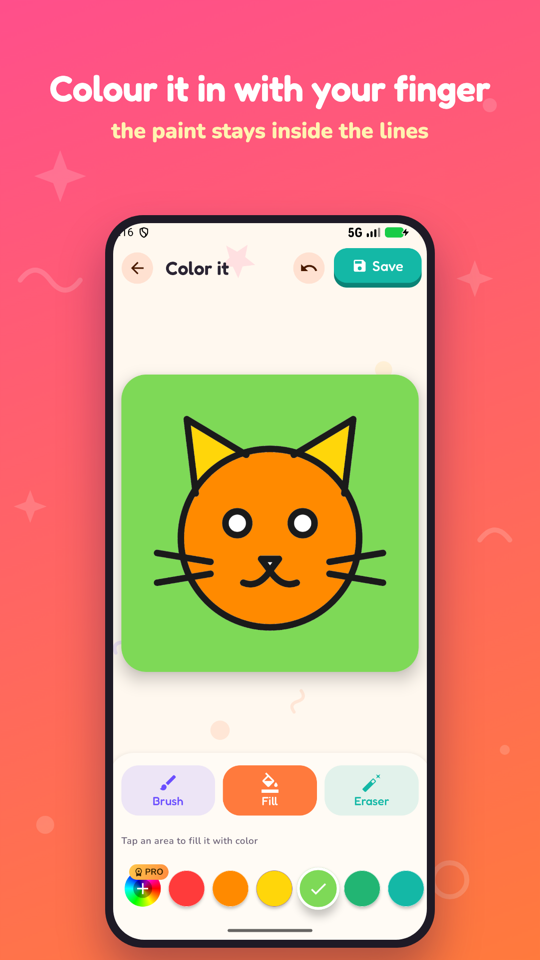
Colour it in with a finger
Paint stays inside the lines, one tap fills a whole shape, and the eraser and undo fix mistakes. Pinch to zoom into the small bits, then save it to the gallery.
Everything is free
Every drawing, lesson, letter, number and tool is included. No subscriptions and nothing to buy. Questions? contact@quantum30labs.online